 Onnie
Commitments, with evidence
Every promise found in an email or a chat becomes a commitment with its due date, the person and the sentence it comes from. When a later message shows it is done, Onnie closes it on its own and tells you.
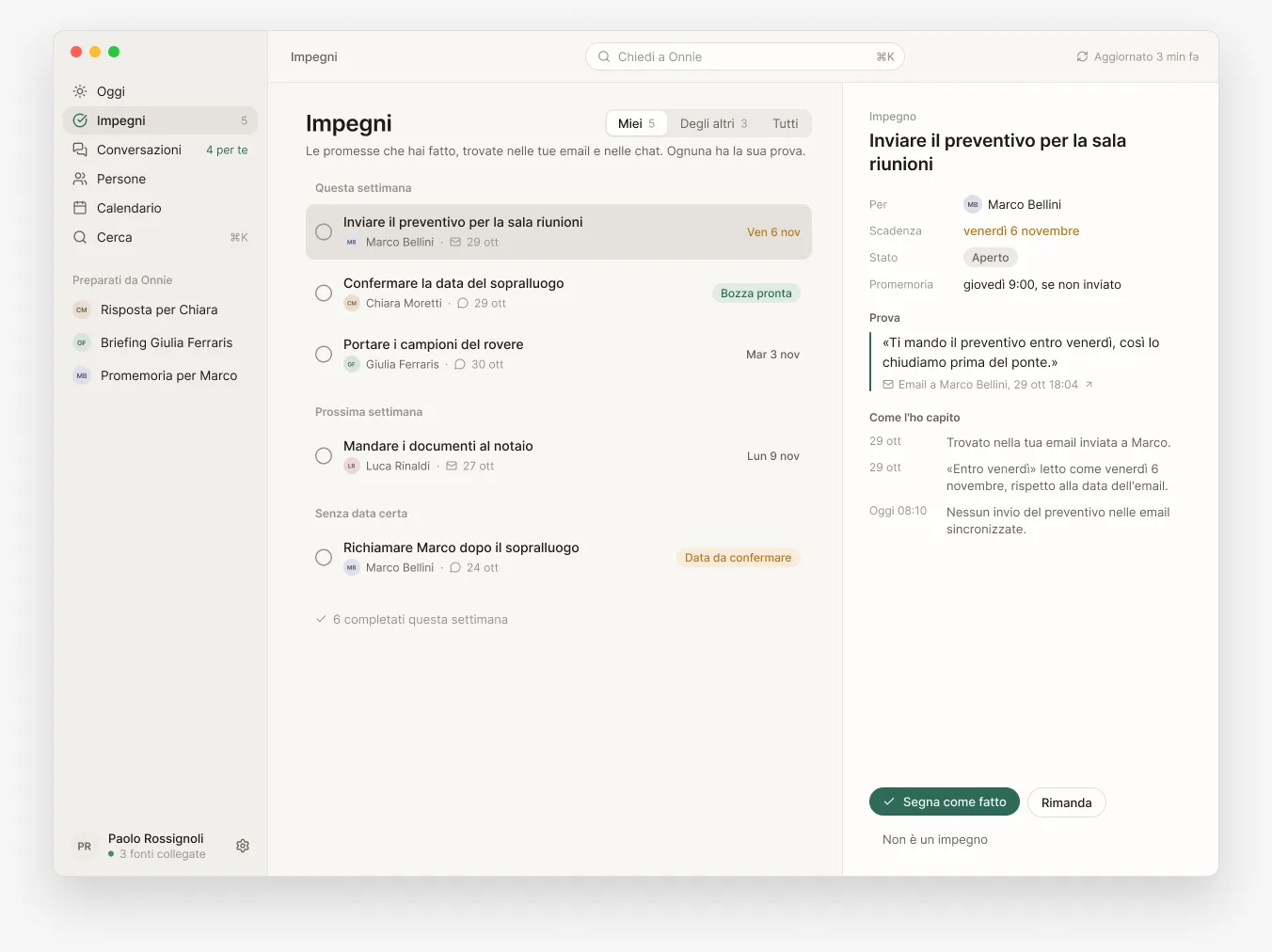
Finds the promises you made, the replies people are waiting for and tomorrow’s meetings, with sources. Everything stays on your computer.
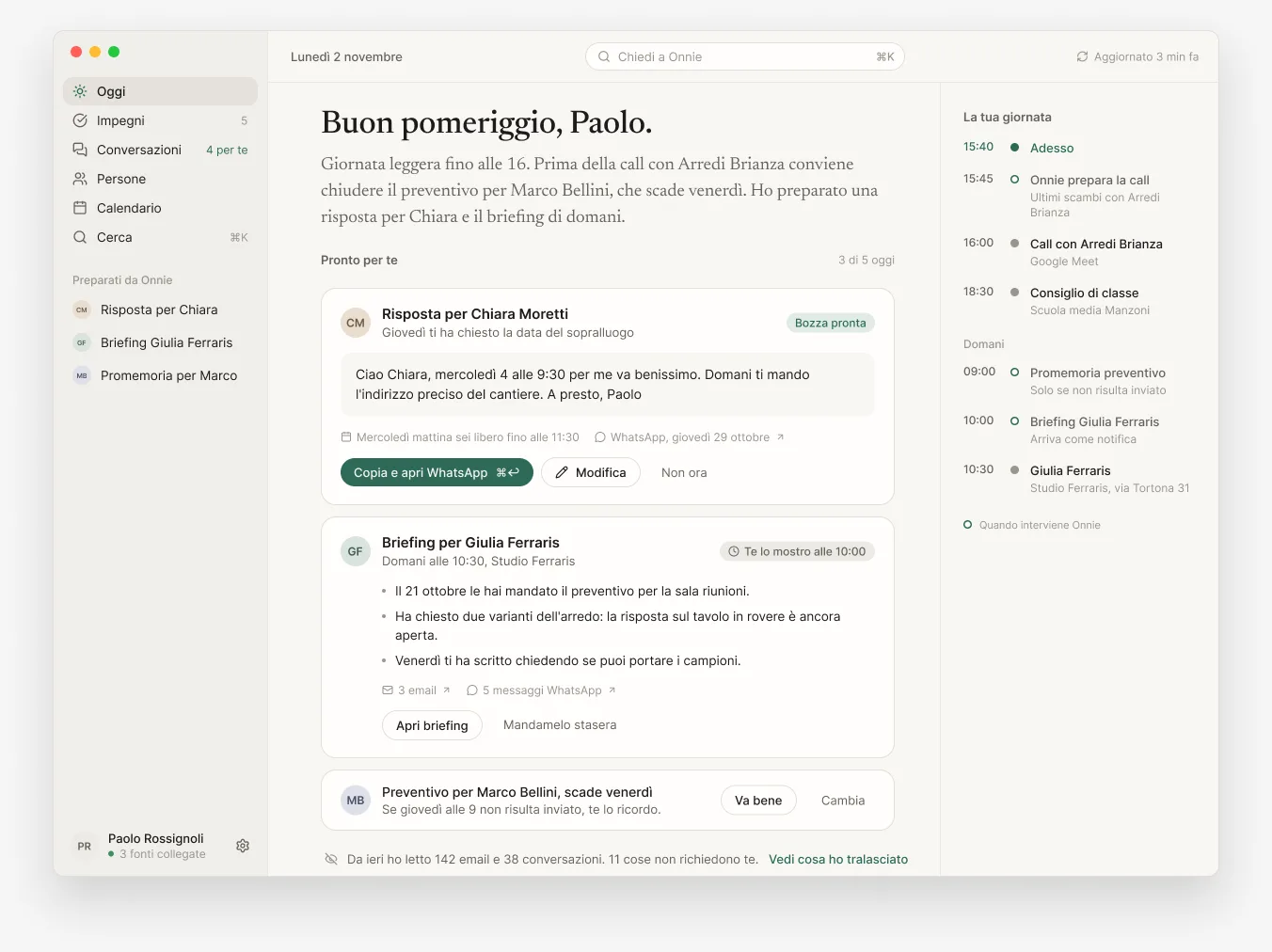
Onnie reads the sources you connect, finds what needs something from you and shows it with the evidence next to it. You confirm, postpone or ignore.
Every promise found in an email or a chat becomes a commitment with its due date, the person and the sentence it comes from. When a later message shows it is done, Onnie closes it on its own and tells you.
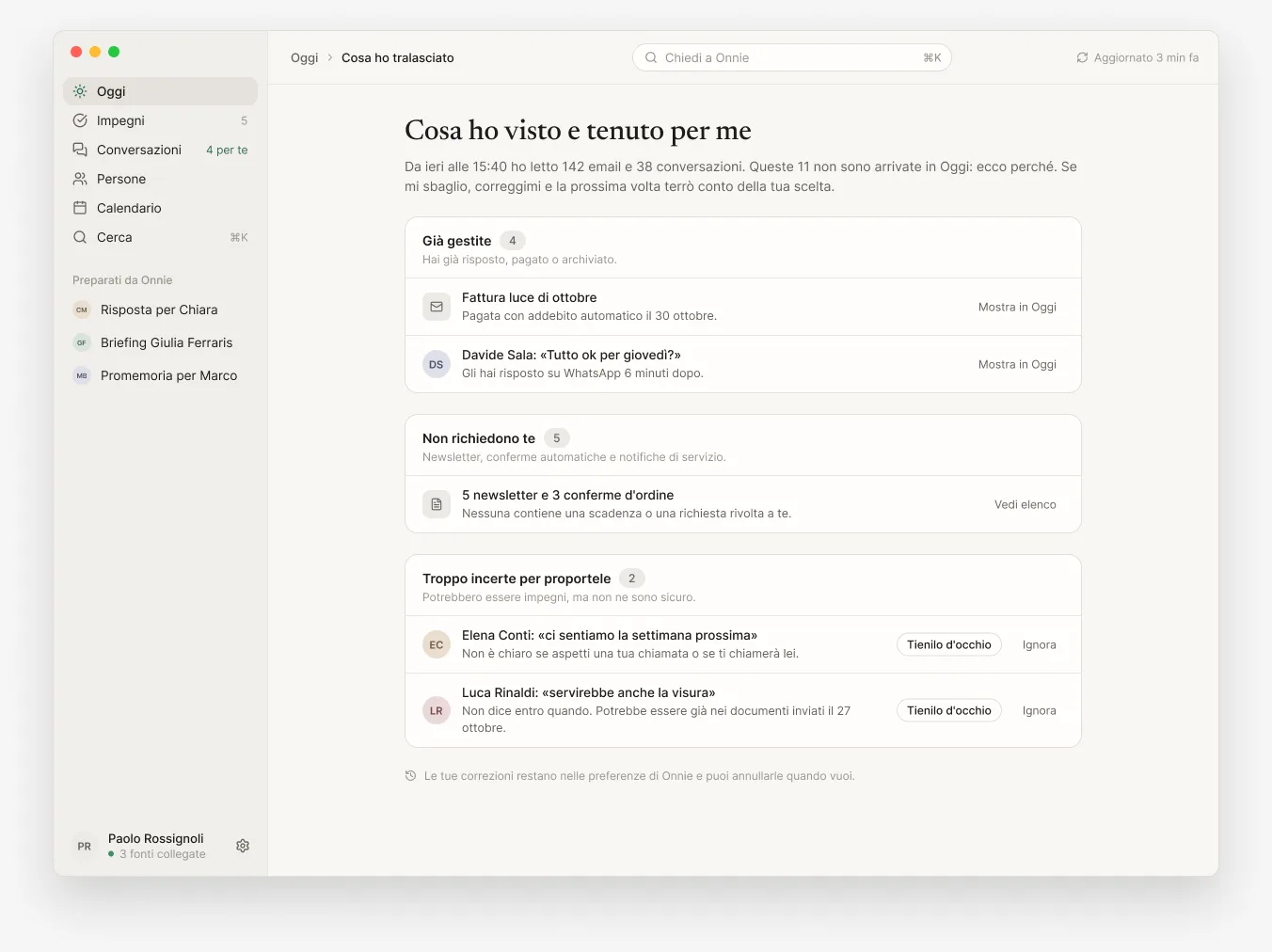
Since yesterday it has read your email and conversations. Things that need nothing, newsletters and confirmations stay out of Today: you can see them in a list and correct Onnie if it is wrong.
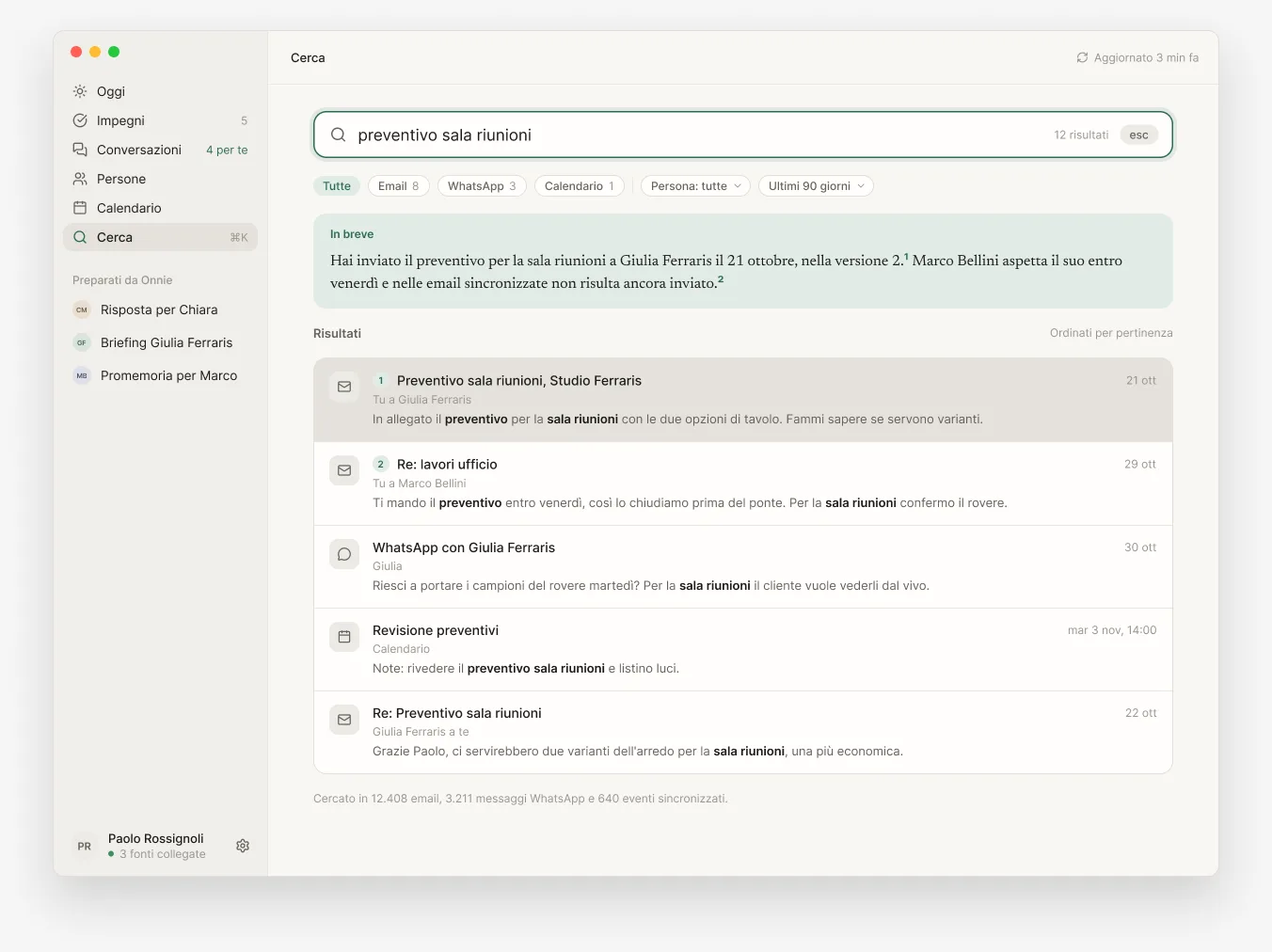
A question in plain language: Onnie searches your email, chats and calendar and answers citing the messages. If the sources are not enough, it says so.
They connect from your computer with your account. Each source has an AI switch: you decide what Onnie may read.
An assistant that reads your mail has to earn trust. These three things can be verified.
Email, chats and calendar live in an encrypted database on your computer. The key is in the system keychain, not on a server.
Onnie prepares drafts and reminders. It does not send messages, delete email or change your calendar.
Each source has its own switch. You can exclude accounts, chats and periods, and the exclusion also applies to search.
Leave your email: we write the day it can be downloaded.
Apps with artificial intelligence and other useful tools, from the same developer as Onnie.

Dictate your shift. The AI drafts it.

Describe the job. The AI drafts the quote.

Your cards, illustrated with AI.

Your passwords. Where they belong.

From your menu to a QR code, with AI.

Your IPTV playlists, on every screen.